Mock Booking Flow
5 min
Before we dive into how we configure the experience, you should experience it yourselves as a customer.
In this exercise you'll run through the mock booking flow and create your guest profile.
Visit the Website
Open the following website in an incognito browser: https://dsn.adobe.com/p/cebu
We've added to the site a debugging widget so you can see Adobe Experience Platform understands about the current customer.
- Click the Adobe logo icon in the top left corner of your screen to open the REAL TIME CUSTOMER PROFILE viewer.
- Notice the Experience Cloud ID within IDENTITIES. The Experience Cloud ID or ECID is Adobe's first party cookie id, currently this is all we know about you since this is the first time you've visited the site.
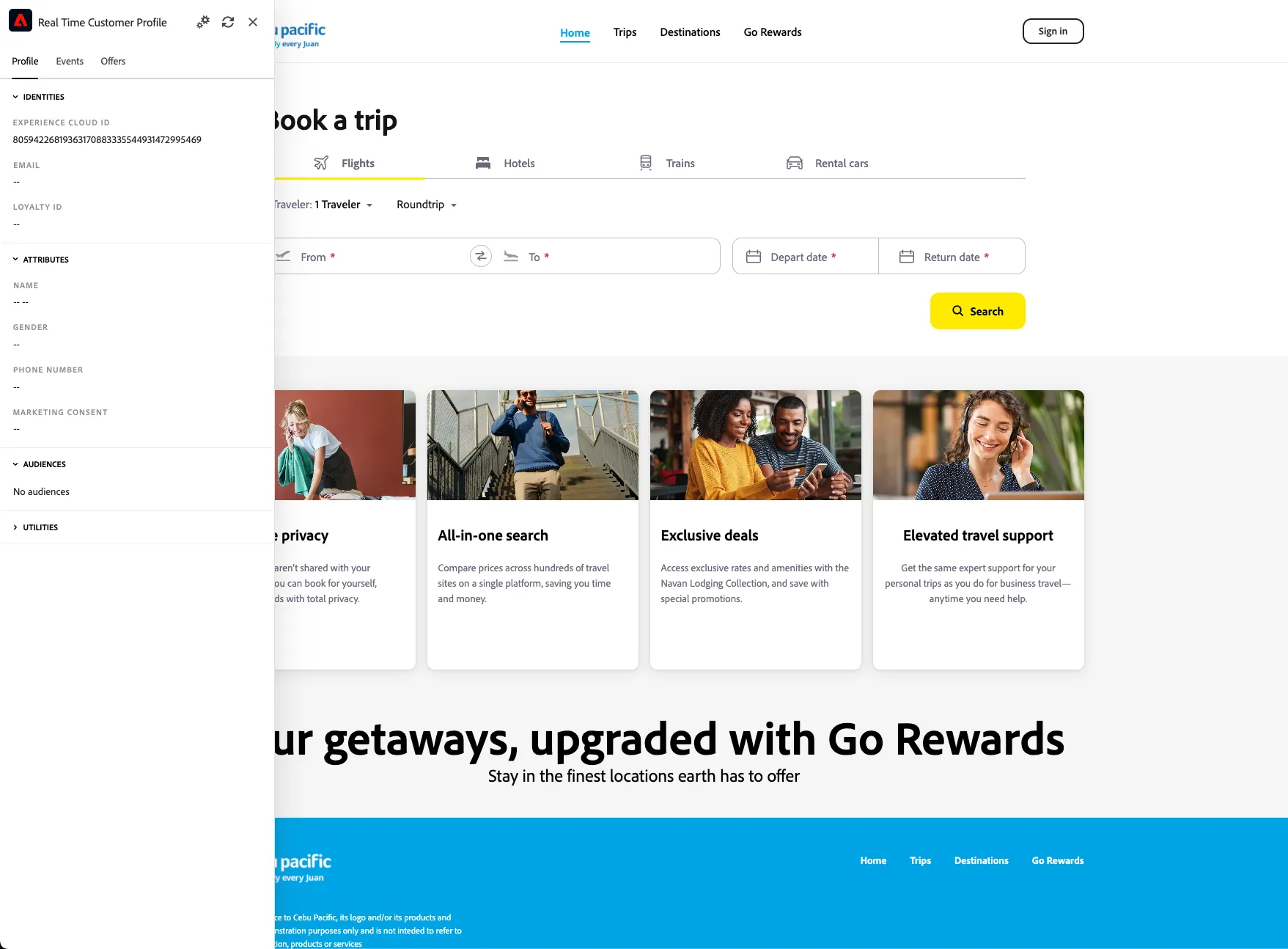
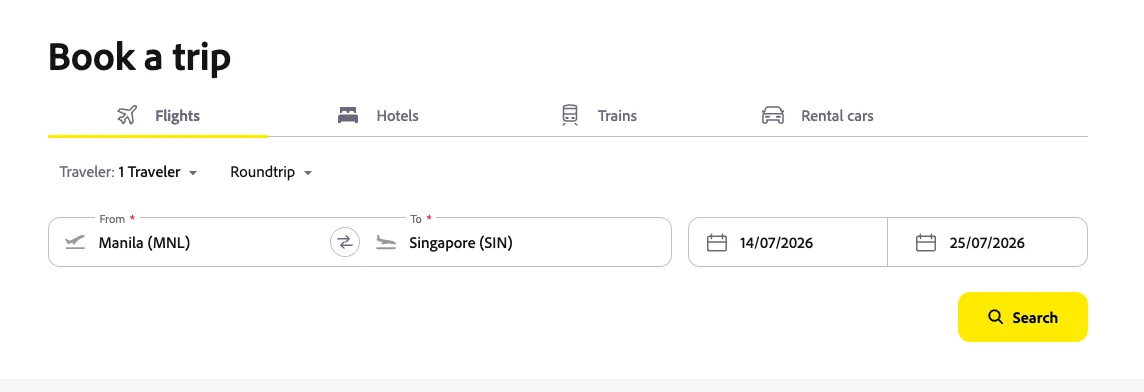
- Search for a flight to Singapore or Bangkok using the search widget.
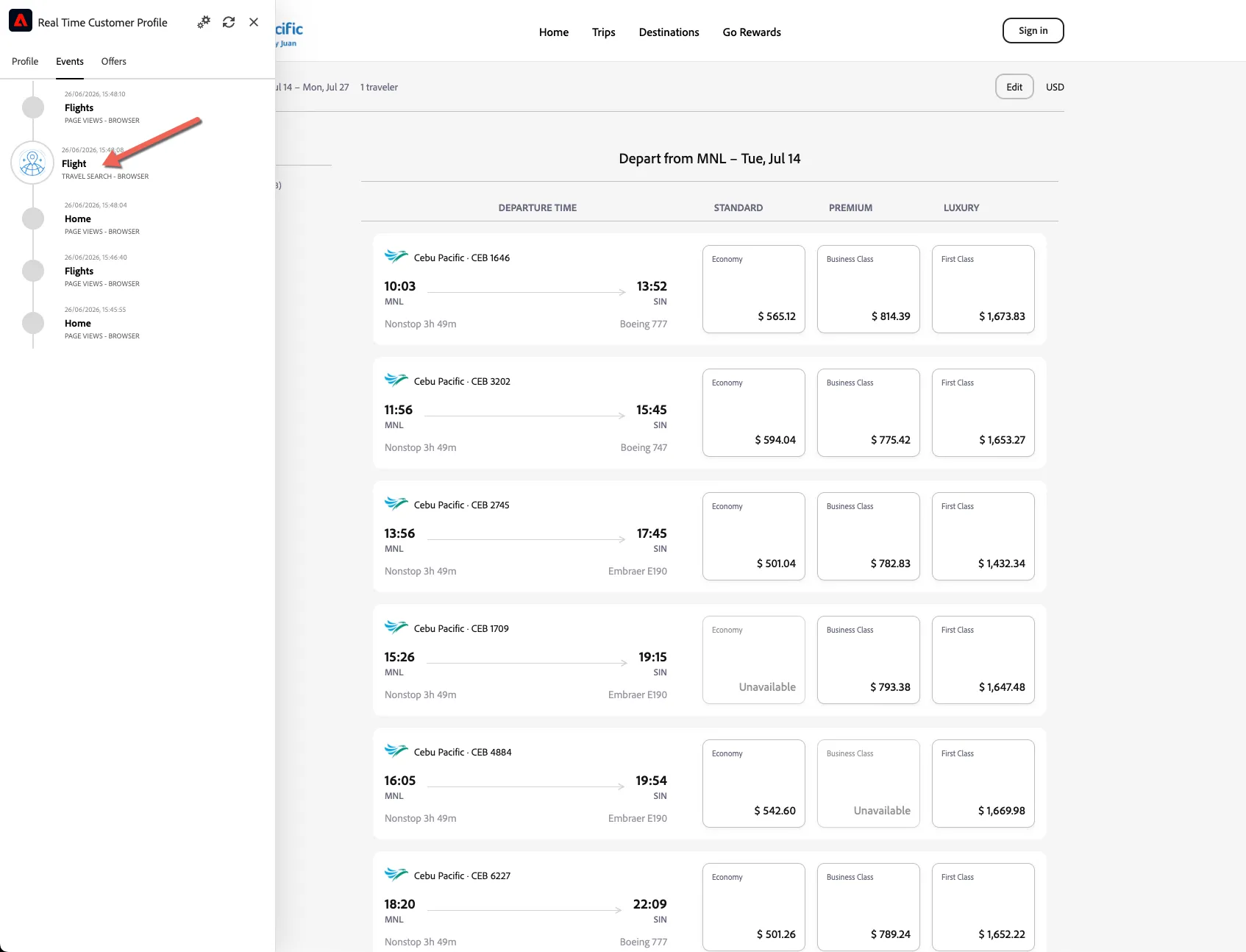
- Every interaction on the site is being tracked you can see these events as they're recorded. Open the debugger and switch to the Events tab.
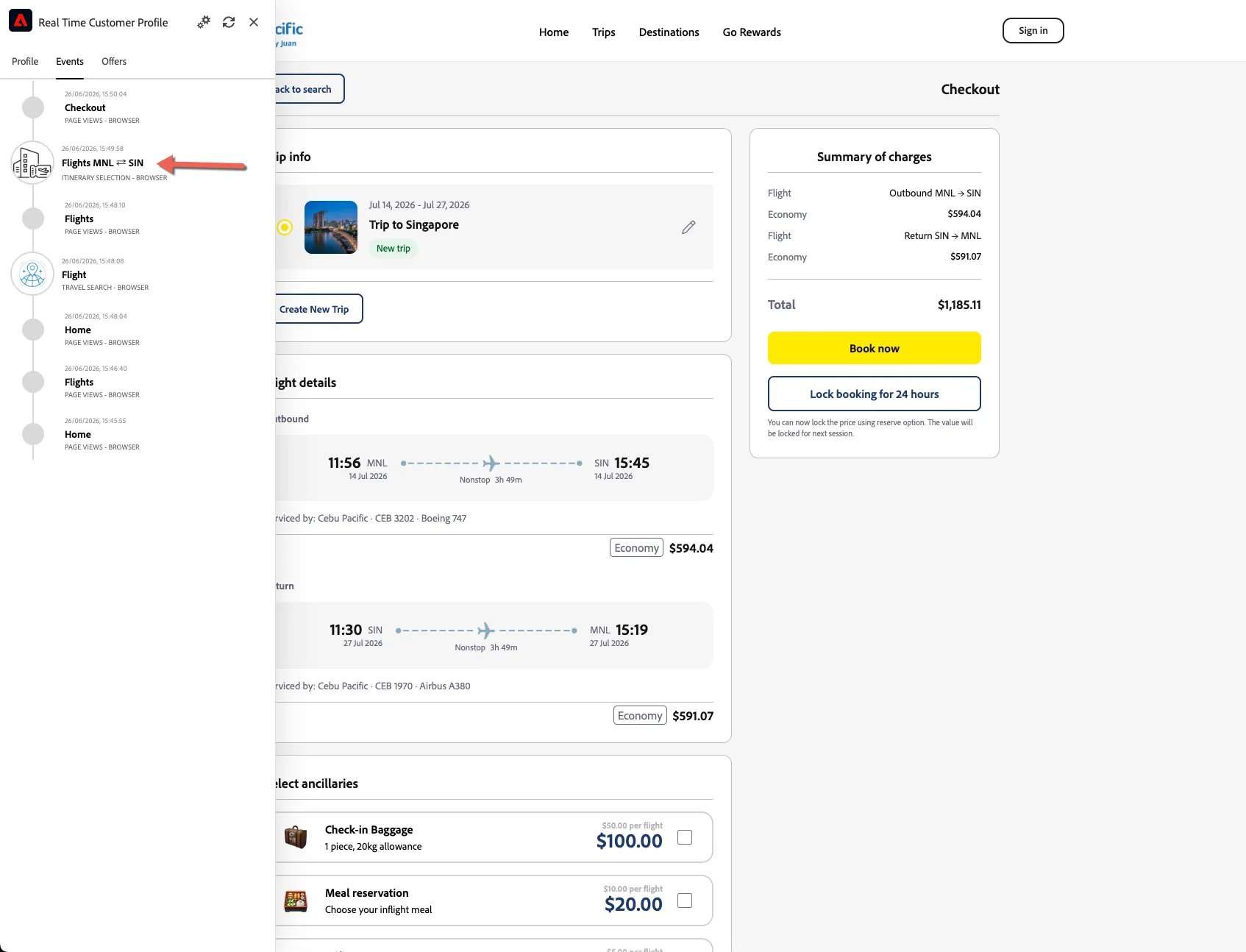
- Continue and select the flights you want to take, you'll be taken to the checkout page. A flight selection event will be recorded against your profile.
- You've also qualified into 2 real-time audiences, you can see these on the profile tab - although sometimes it can take a minute or so for the audiences to reflect so don't panic if you don't see audiences here - this won't stop them working!
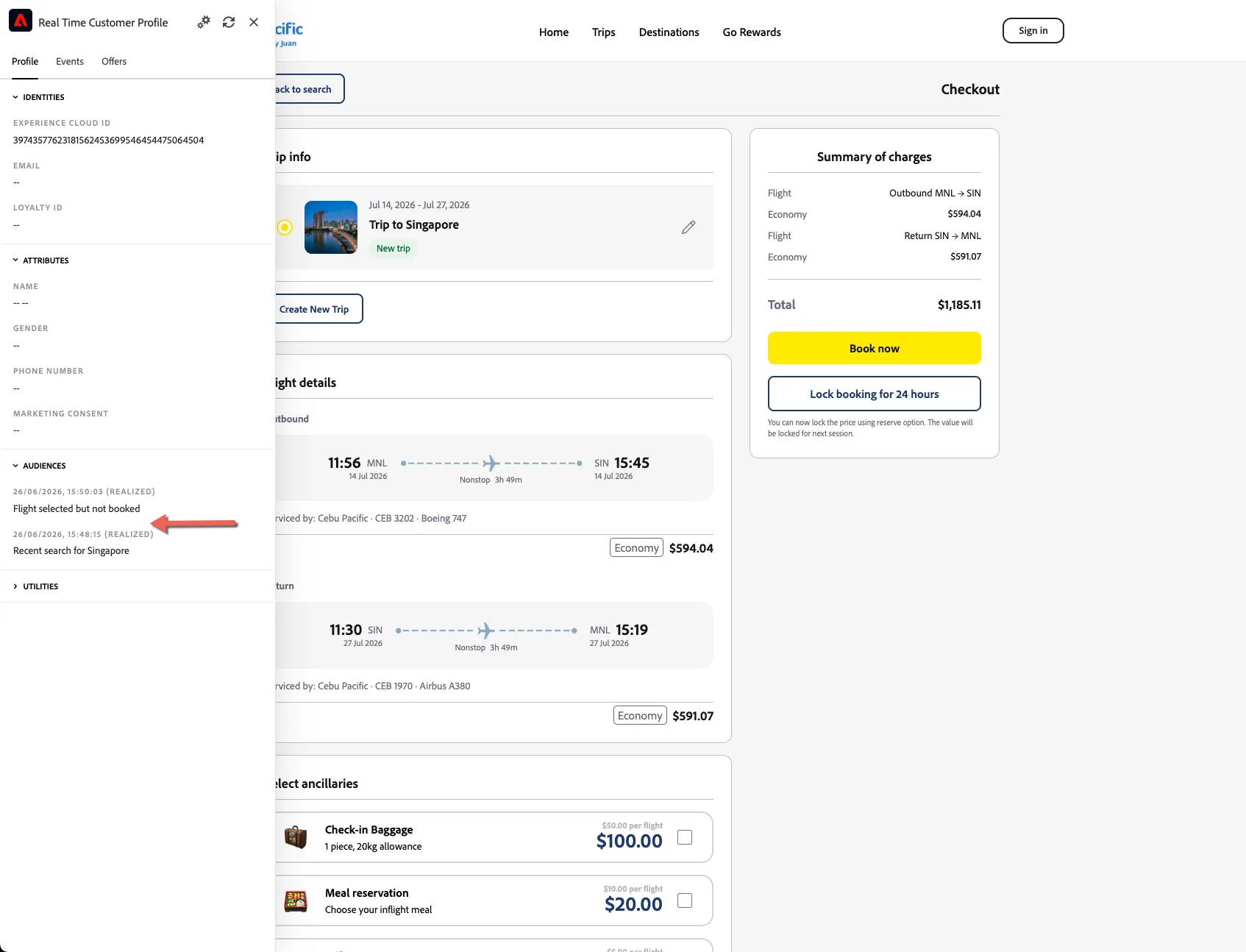
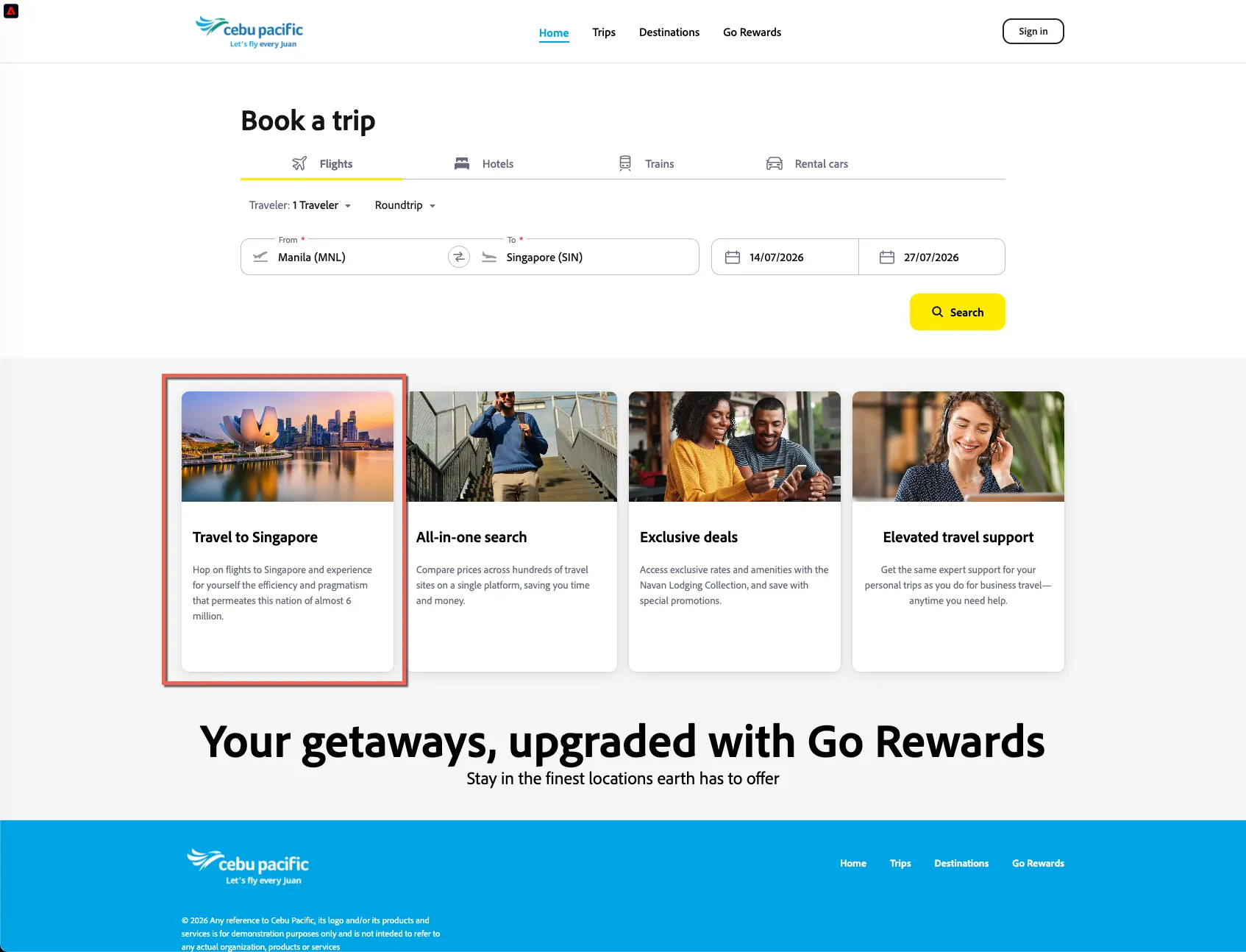
- Return to the home page now without completing your flight booking. Your experience is updated - the first content card has been modified to either Bangkok or Singapore.
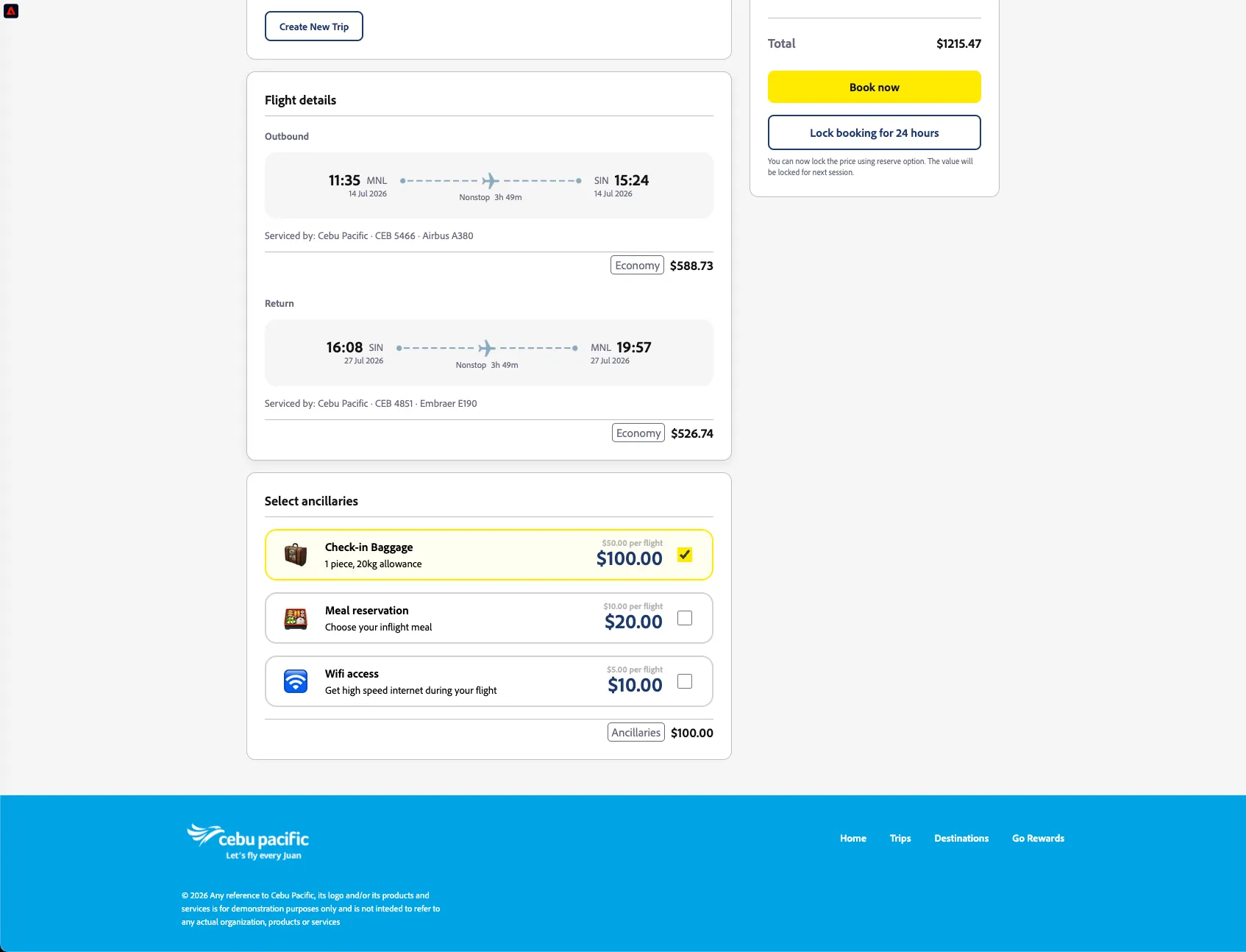
- Search again for your flights and return to your checkout page. Scroll to the bottom and select the ancillaries you would like to add - DO NOT ADD THE MEAL. The ancillaries are added to your trip details.
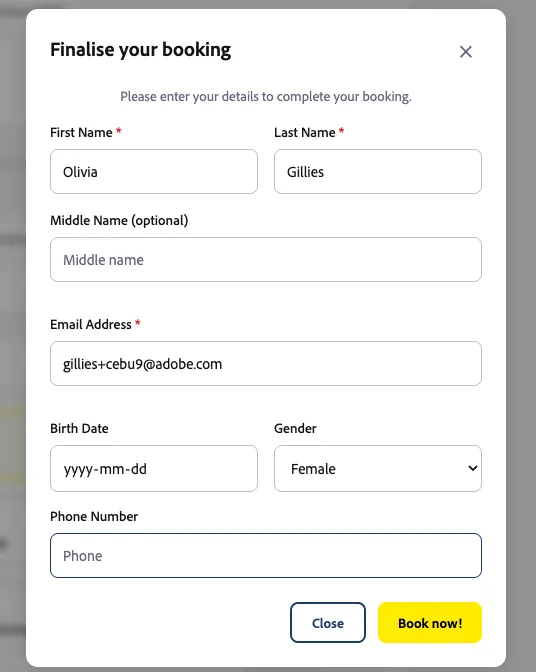
- Click to complete your booking and add your guest details.
- You are returned to the home page automatically and the experience is once again updated to replace the content card with a meal offer.
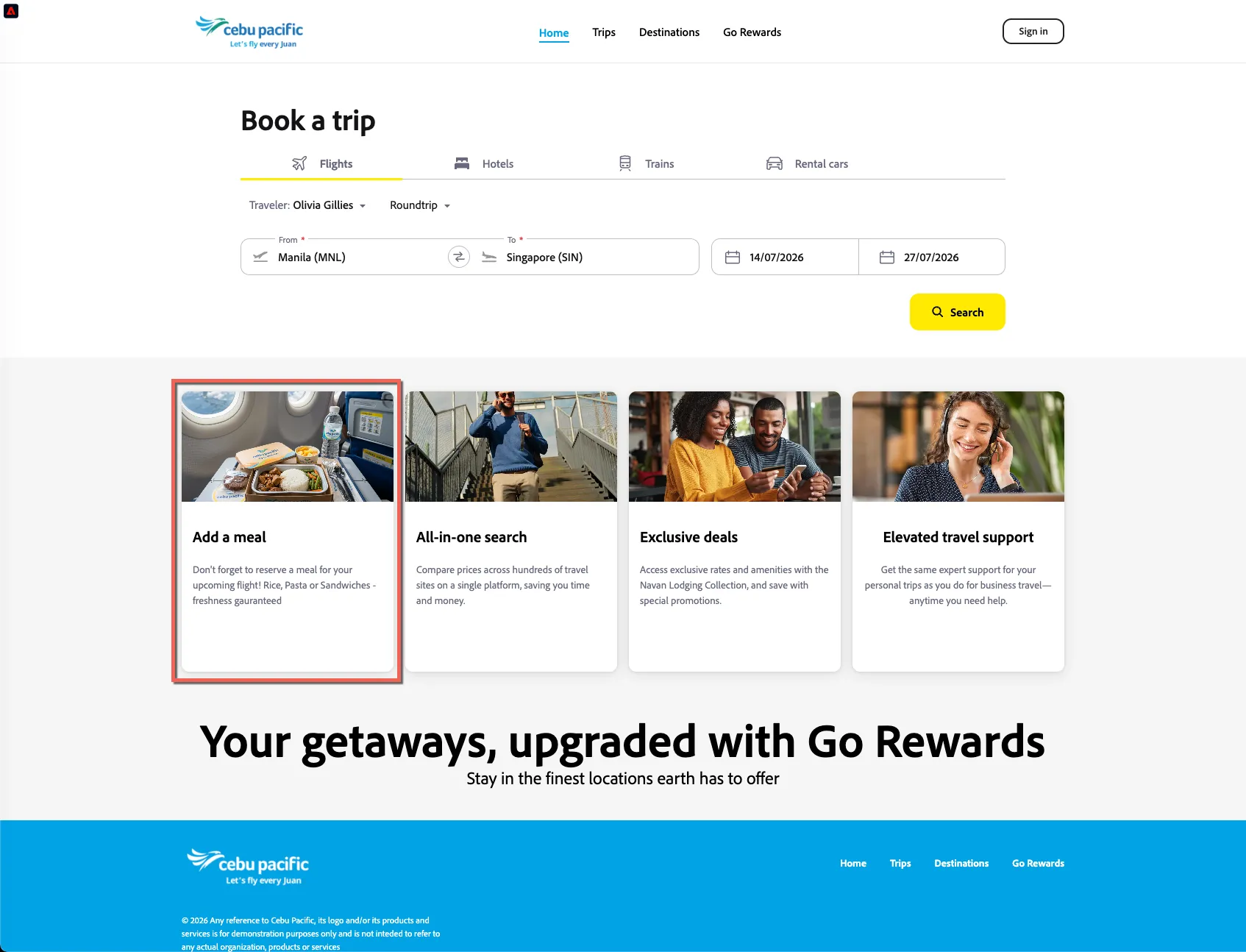
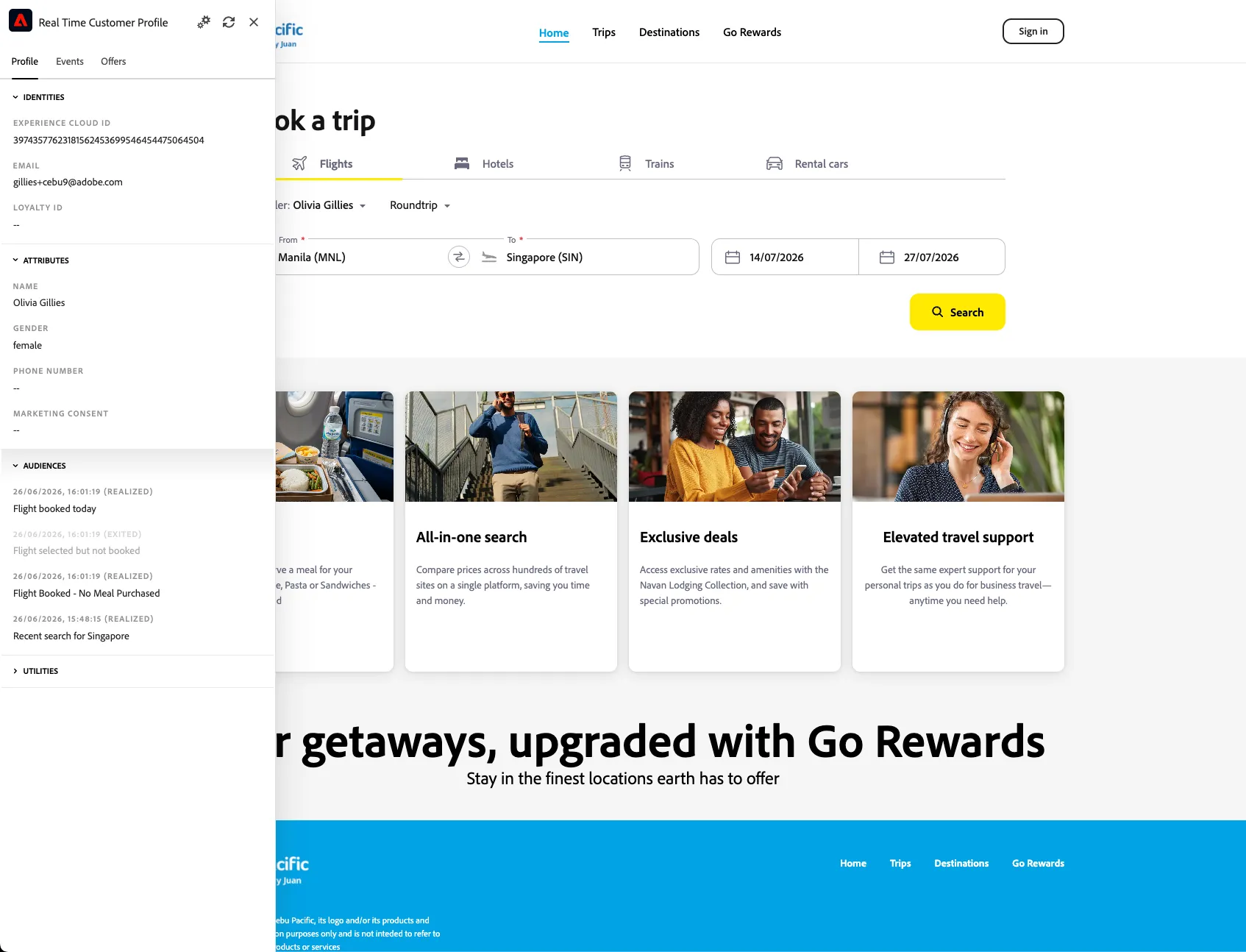
- Opening the debugger again you can see the anonymous ECID is now stitched with known customer data and your audiences have updated.
Congratulations!
Your booking is now finalised and you've seen how Adobe collects behavioural events and qualifies customers into audiences in realtime allowing for same page and next page personalisation.