POC-P3 - Consent and Compliance
This tutorial is designed to teach you about Adobe's Consent Propagation and Enforcement capabilities. The components taught in this module are core to all Adobe Experience Platform applications.
It is designed for both a technical and non-technical audience. It's important for marketers to understand how consent works.
Learning Objectives
- Learn how to view consent policies
- Learn how to view the impact of a consent policy
View Consent Policies
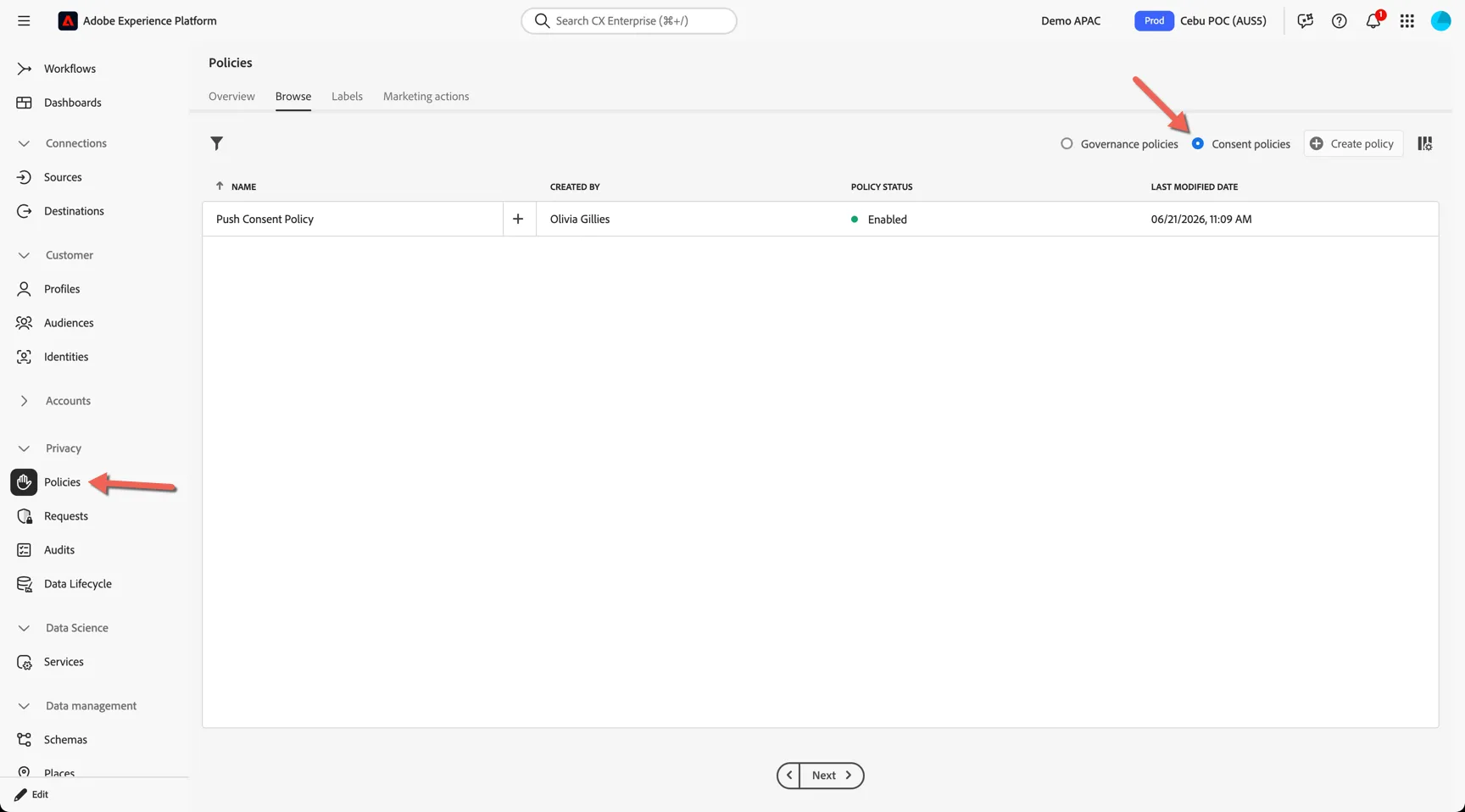
Navigate to Privacy -> Policies. This is where you can configure both governance and consent policies.
Switch from Governance to Consent.
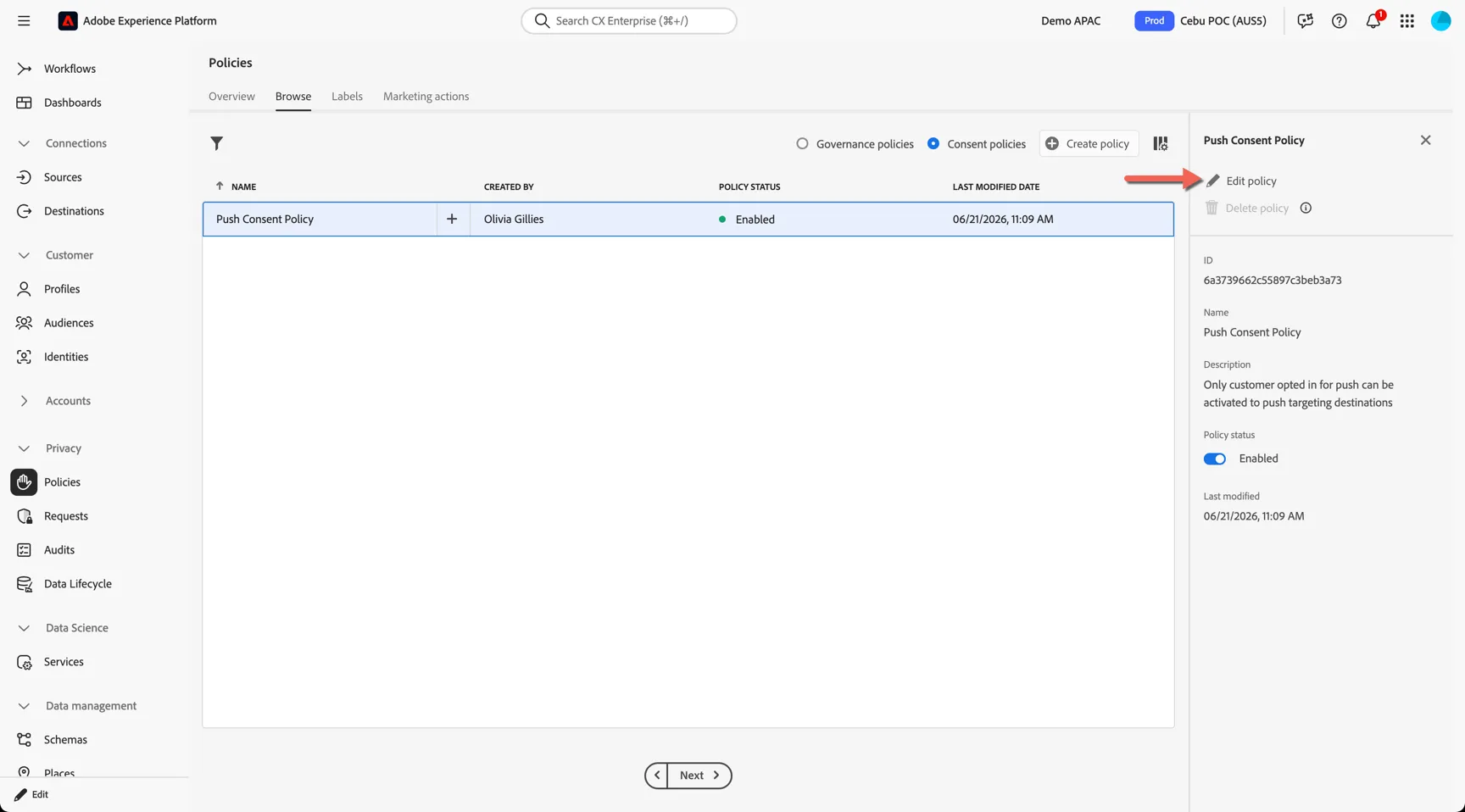
Click on the policy and click Edit policy to inspect it's configuration.
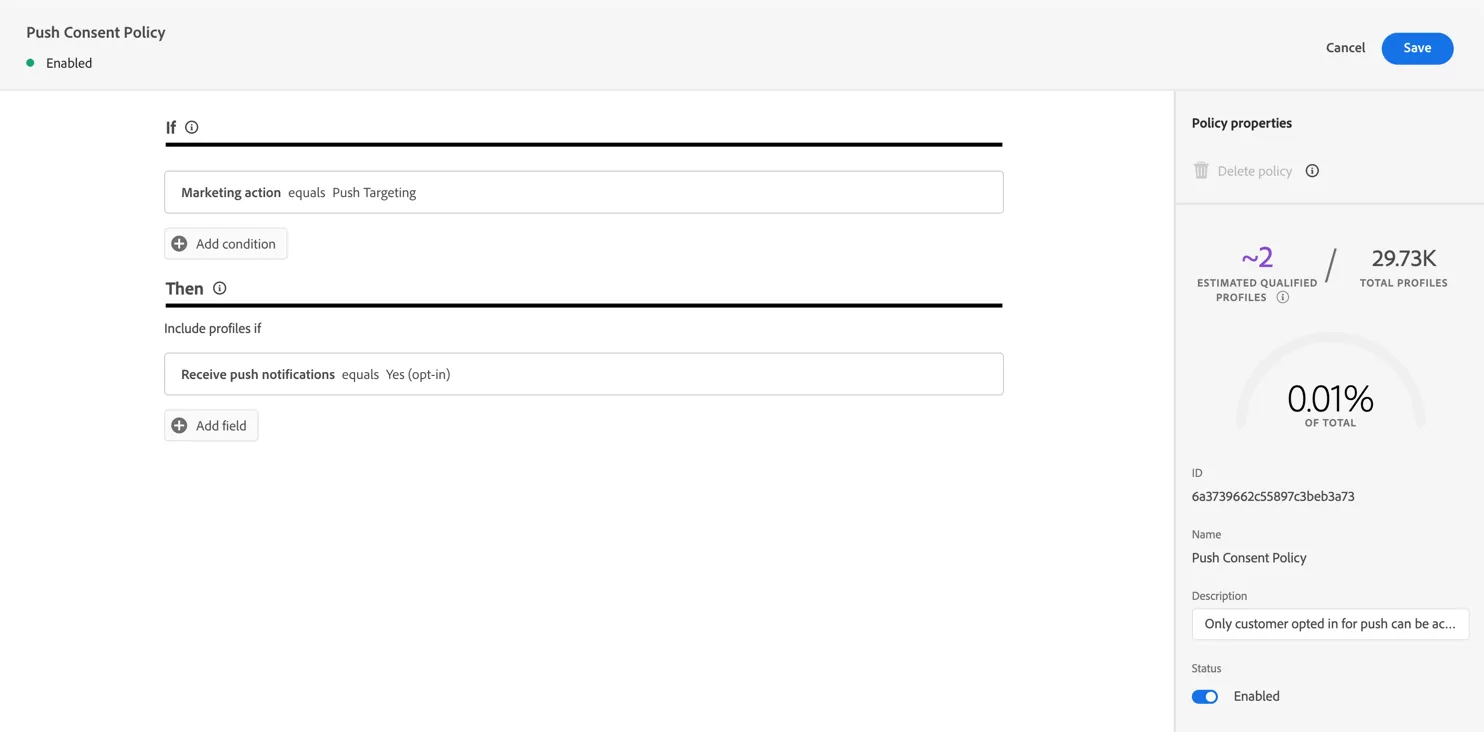
You can see here that this policy applies to destinations with Marketing action = Push Targeting.
It will only allow profiles with Receive push notifications flag equal to Yes (optin)
View consent policy impact
To see how many profiles will be impacted by the policy, navigate to Connections -> Destinations and open the Browse tab.
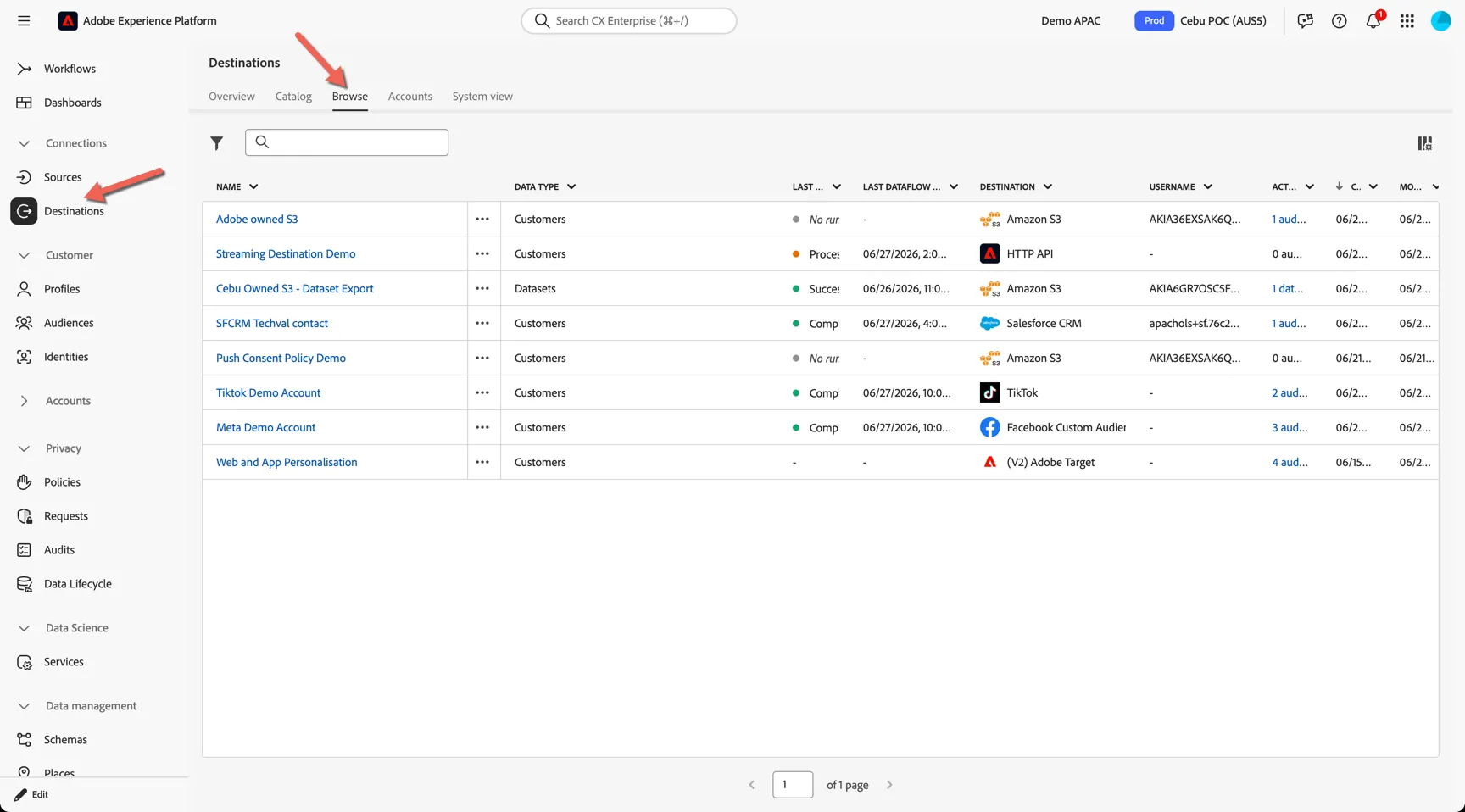
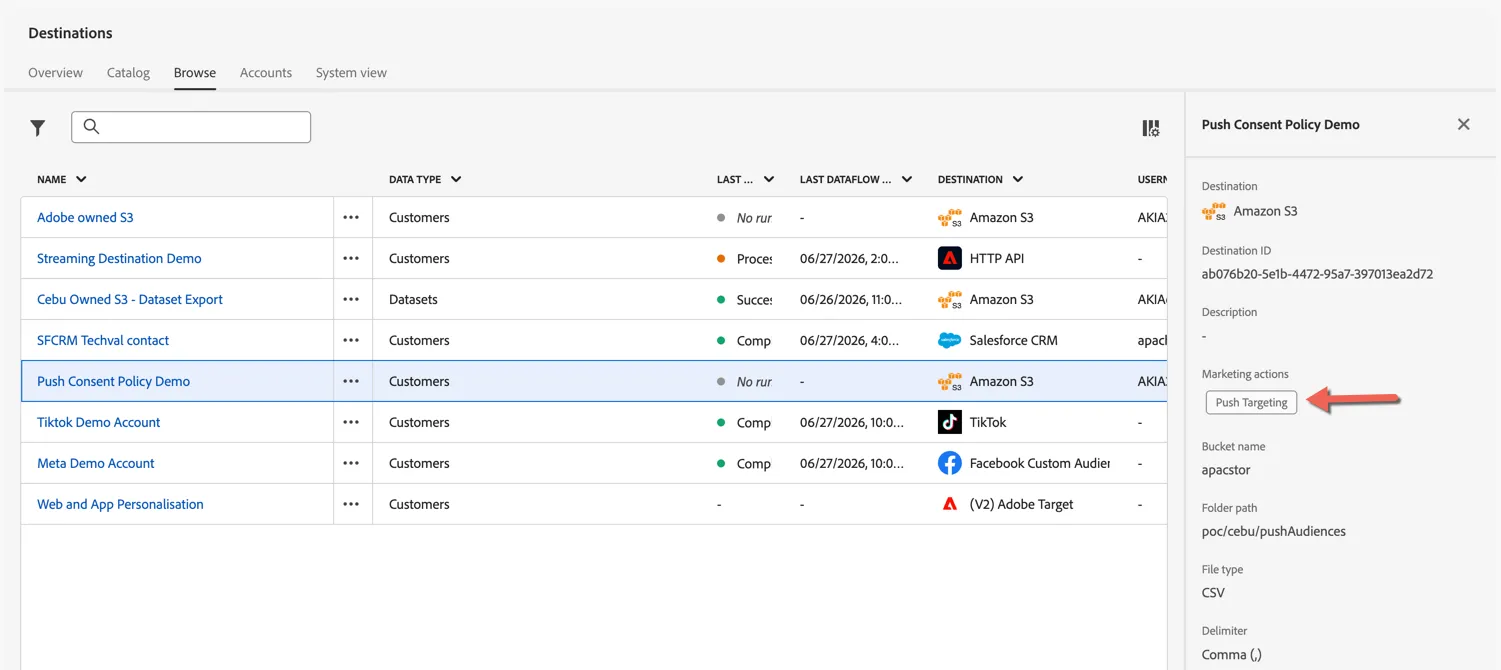
Select the Push Consent Policy Demo. You can see that the Push Targeting marketing action has been applied to this destination.
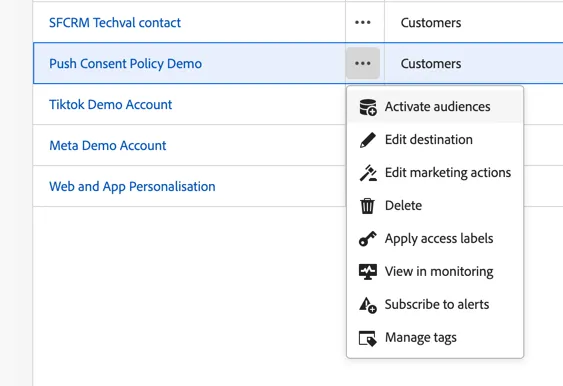
Use the 3 dots next to the destination to Activate Audiences
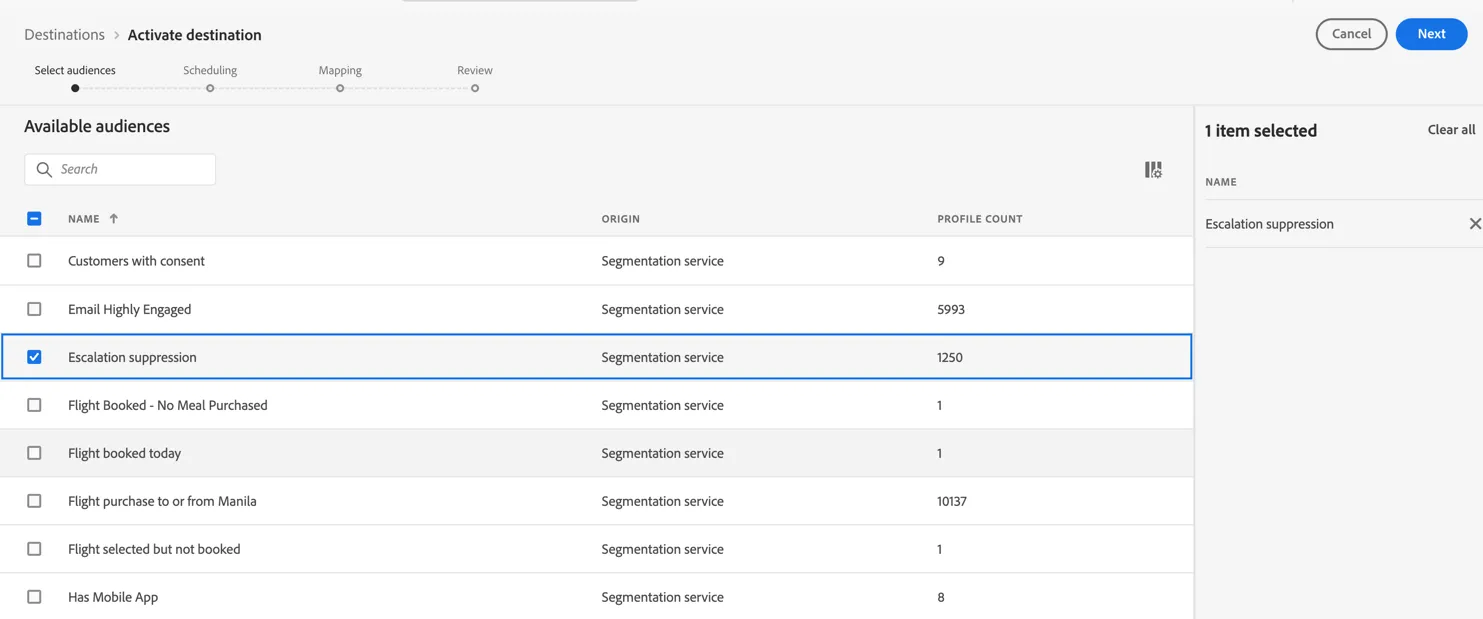
Select an audience with a profile count and continue to click Next until you get to the Review page.
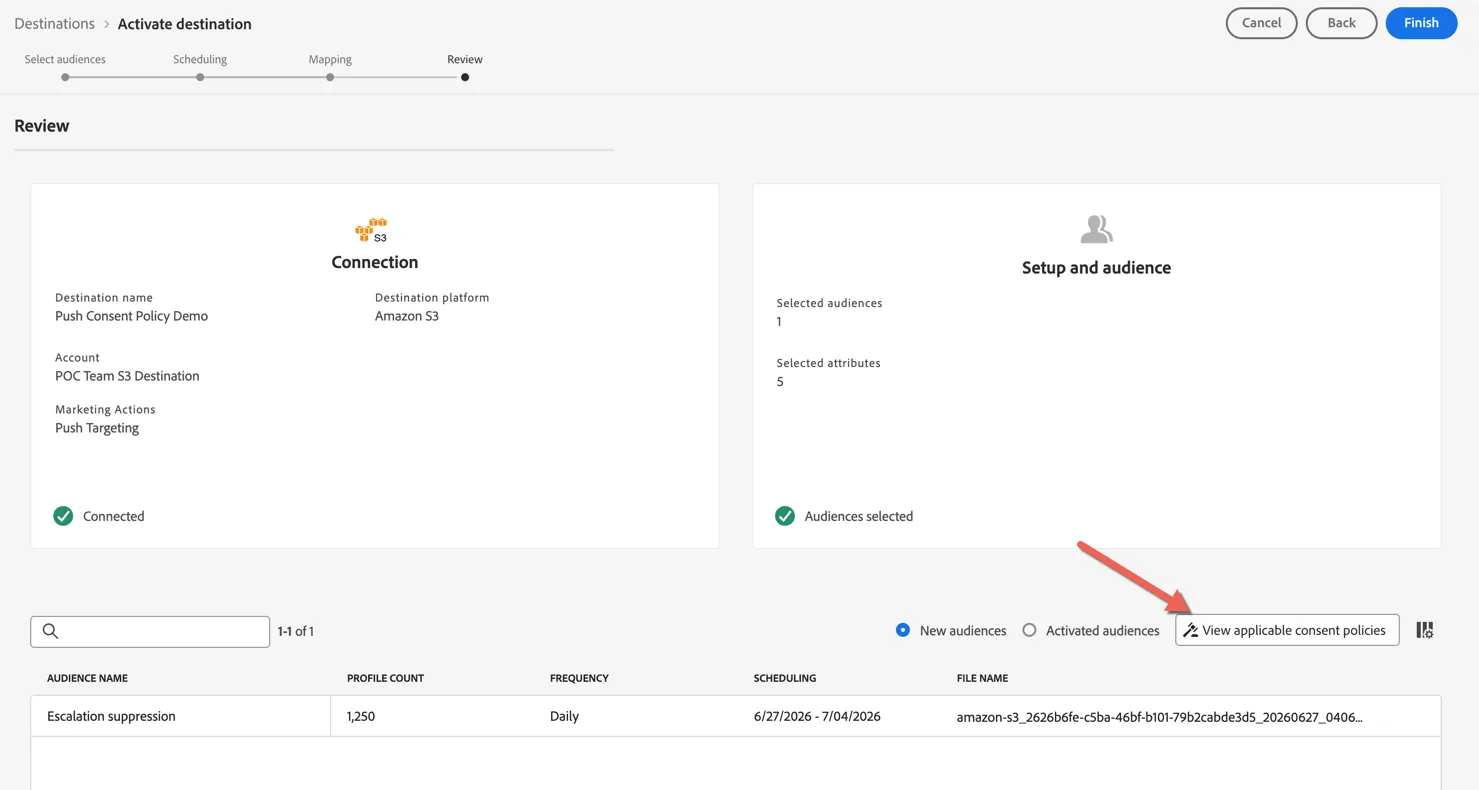
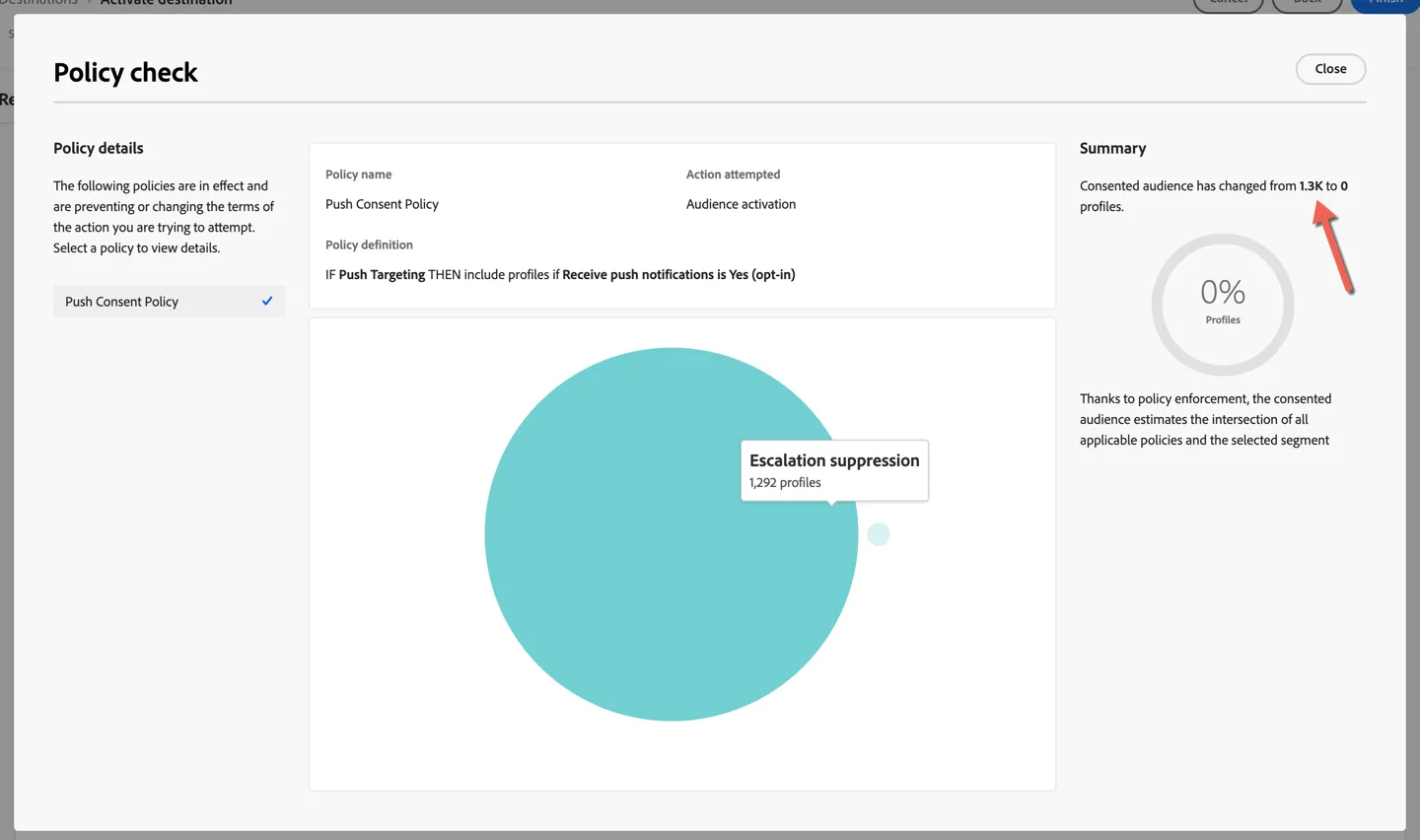
Once you land on the review page click to View applicable consent policies
Depending on the audience chosen you will see how many profiles will be excluded from the activation due to the consent policy. In my example below all profiles will be excluded as no-one in the audience has opted in for push notifications.
Note that consent fields were not ingested as part of the POC data which is why most profiles in the environment are non-consenting.
Congratulations!
You've completed the exercise on consent and compliance.
GDPR privacy requests
As a Data Processor Adobe provides a single interface for you as the Data Controller to manage privacy requests. The Privacy service will help you to manage access or delete requests from individual across all Adobe solutions.
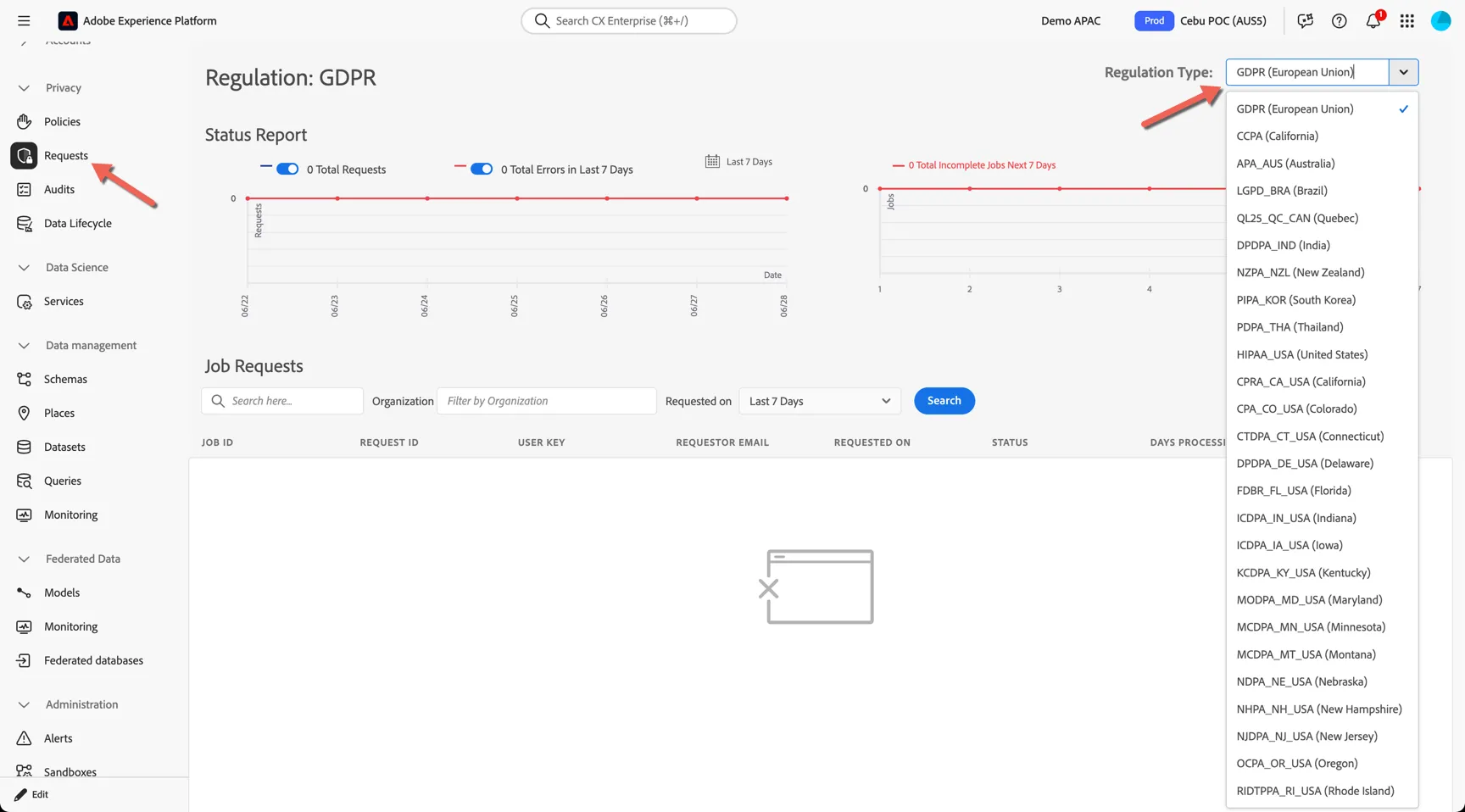
Navigate to Privacy -> Requests
You can specify which regulation type the request applies to.
Clicking to create a request, you can define what type of request it is, eg. access or delete.
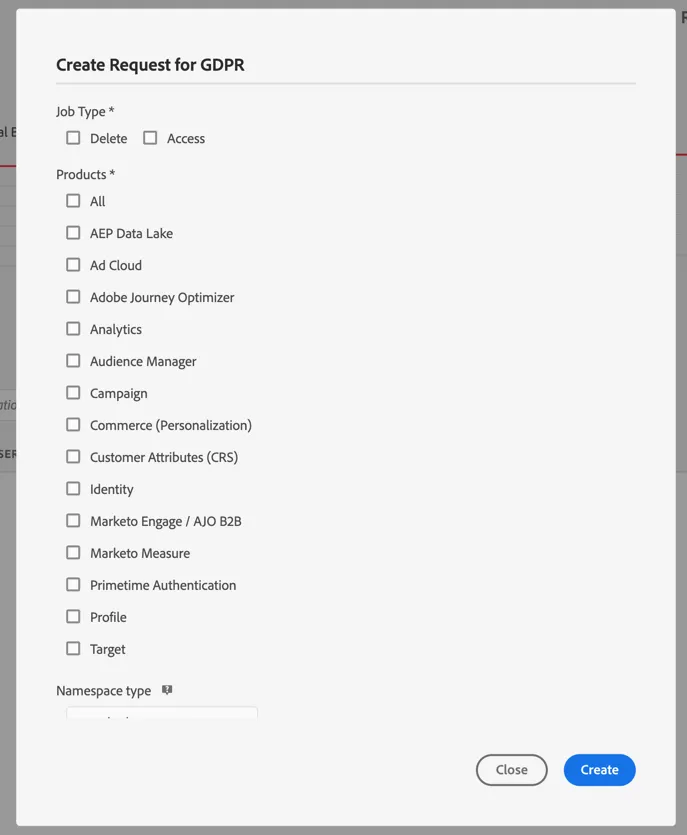
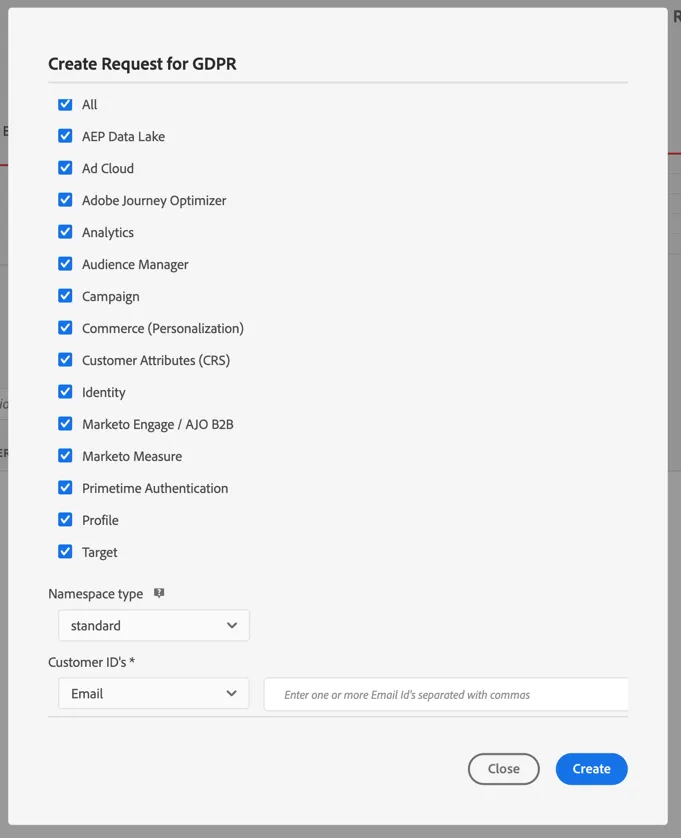
Along with which Adobe products should be included. You can then specify the namespace and identity to use for the request.
Additional Resources
Experience Platform provides several services and tools to confidently control collected experience data in order to comply with business practices, legal obligations, and development processes - including Privacy Service, consent processing, and Data Governance.