Finding your profile
4 min
Profiles overview
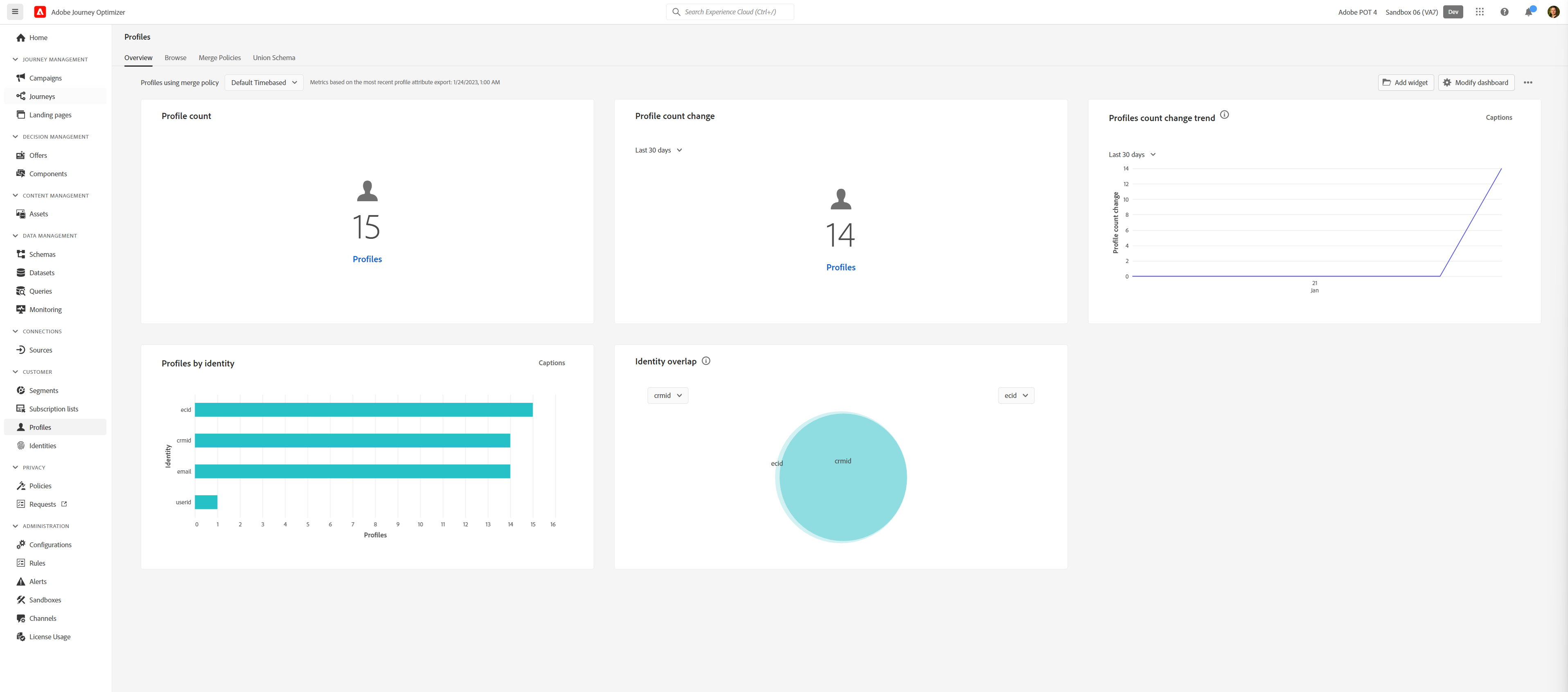
To get an overview of all profiles in Adobe Experience Platform:
- In the menu on the left side, click on Profiles. You will see a overview of profiles in Adobe Experience Platform.
Finding your profile
Test profiles have been prepared for everyone before the Hands-on lab, based on the email addresses in the attendee list.
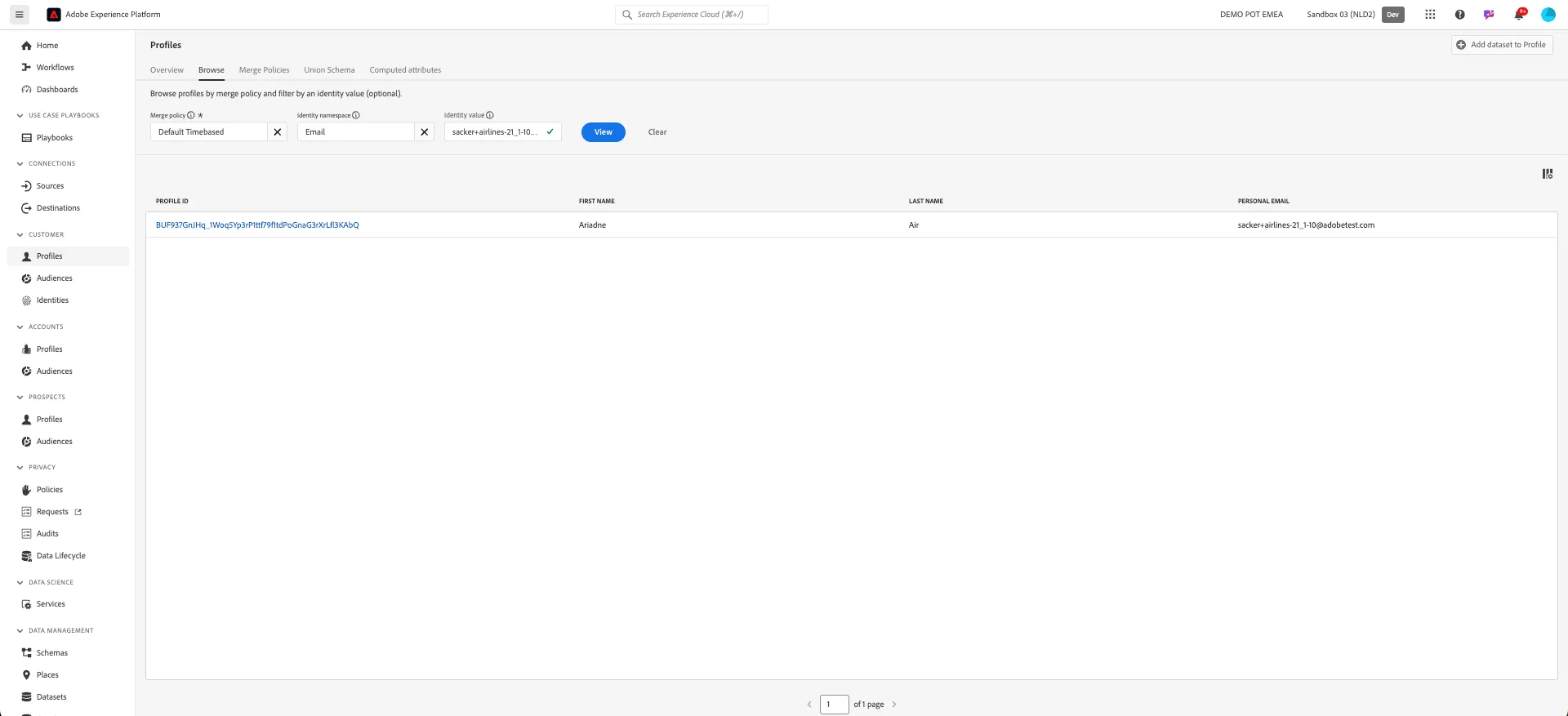
- Click on Browse to open the tab to find individual profiles.
- Under Identity namespace click on and select Email and click Select.
- Under Identity value type your email address.
- Click View, your profile should appear in the area below.
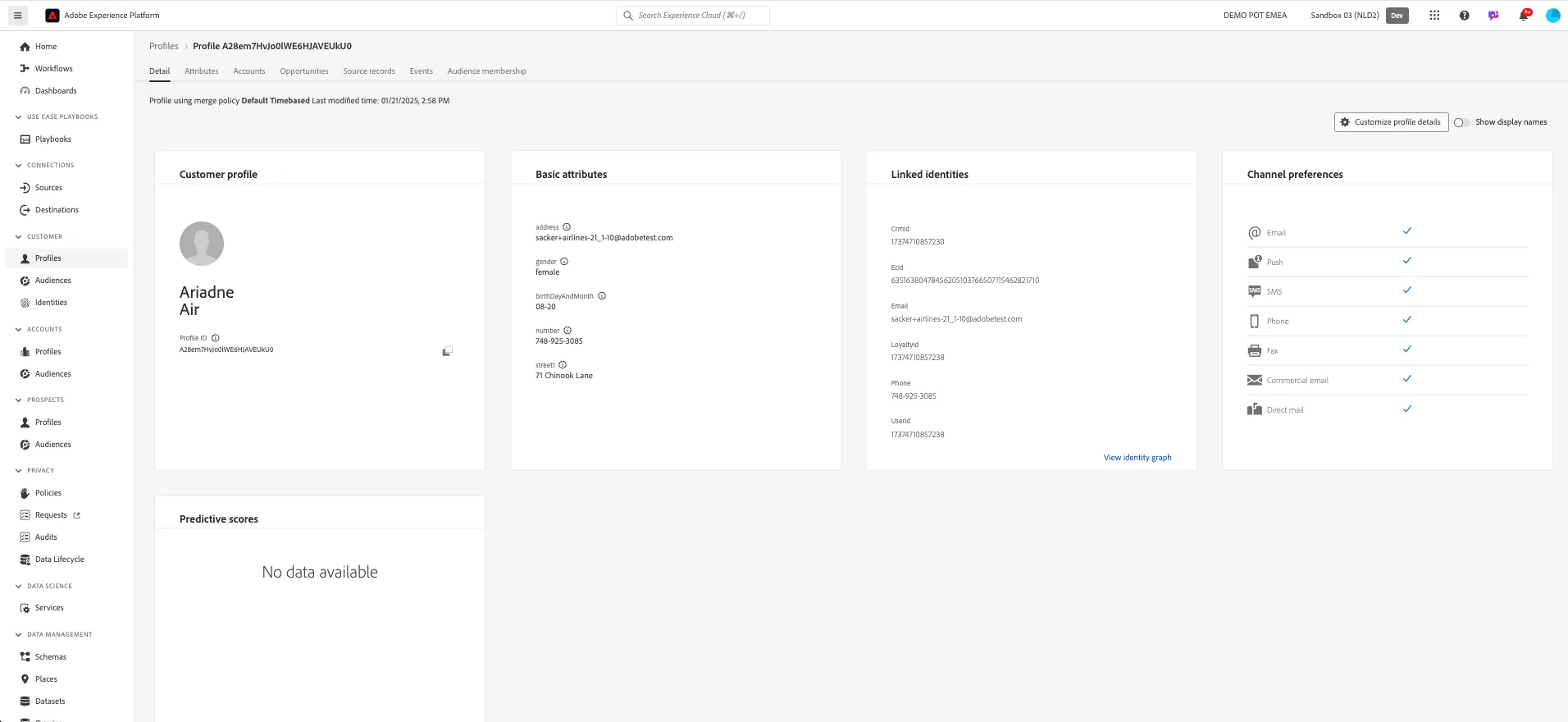
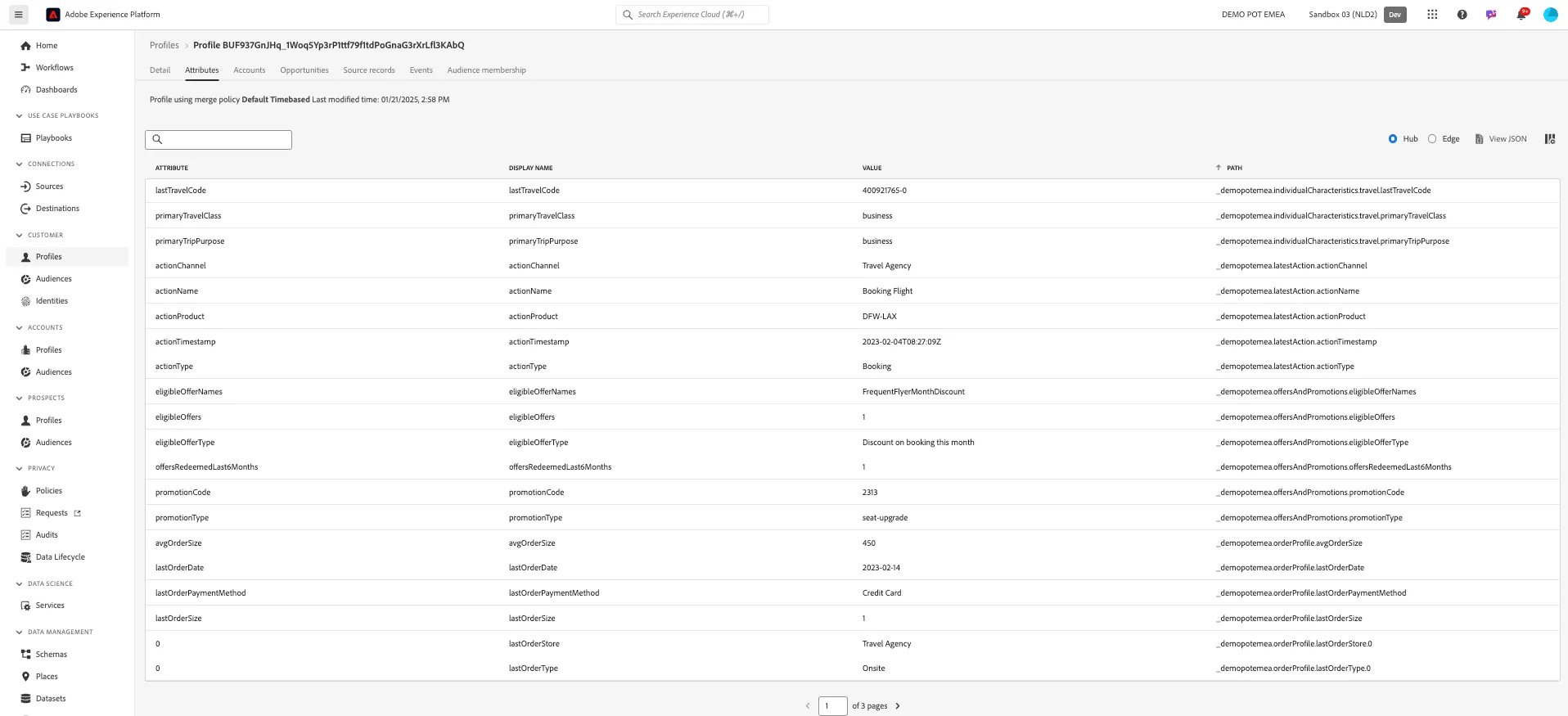
Open the Attributes tab. In here you can see all attributes attached to this profile.
Couldn't find your profile? If you did not create a profile on the demo website and/or mobile app, it is possible no test profile exists for you yet. You can quickly create a new profile by registering on the website first.