Website
We've created a website for our demo brand Luma. To fully enjoy the Hands-on Lab experience, we recommend you open it in a separate tab in your browser.
Luma - website
Open the Luma Website in a new tab.
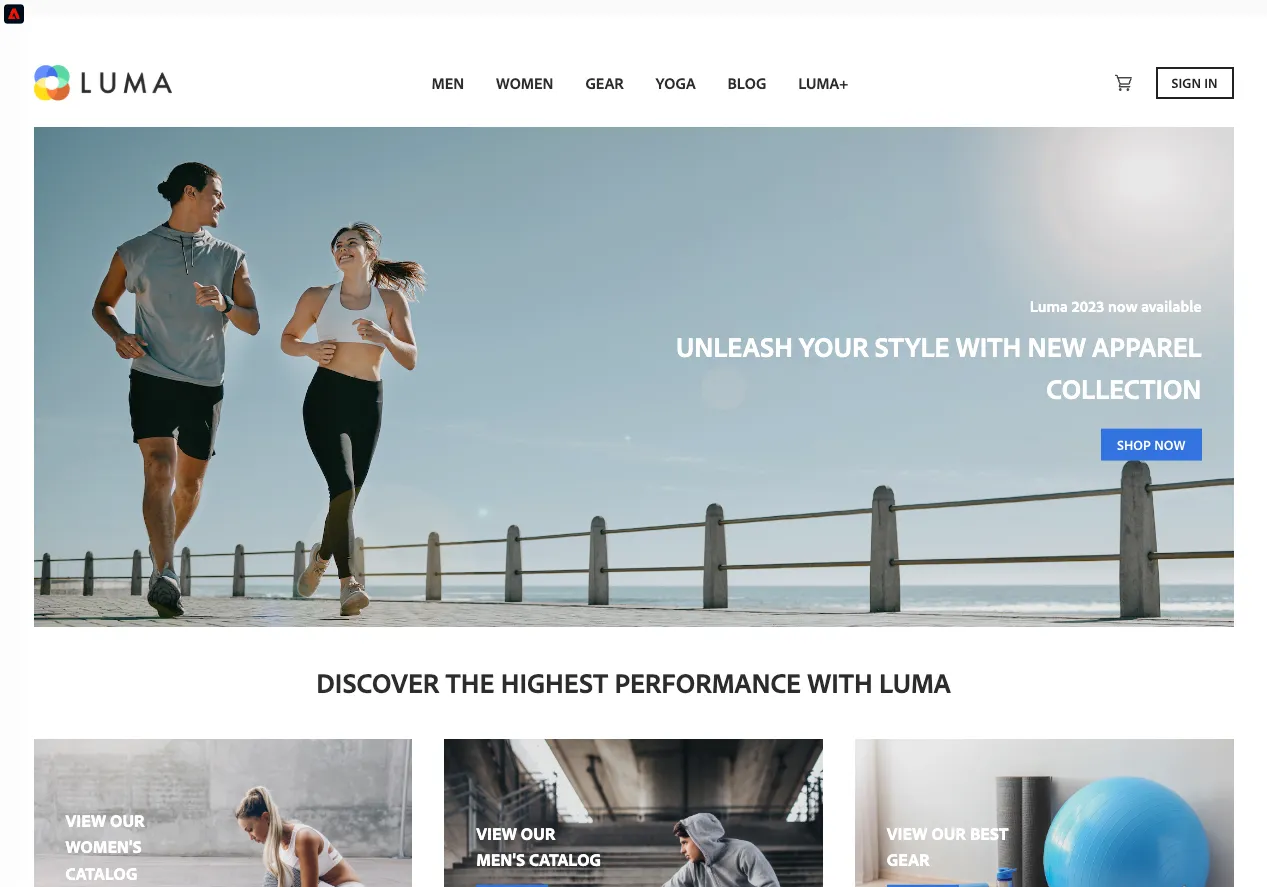
If you are prompted to allow cookies, please do so.
Showing the Real-time Customer Profile
The demo website has been extended to include a view inside Adobe Experience Platform. This allows you to look at the Real-time Customer Profile and see what data is being gathered live.
- Click on
 in the top left of the screen.
This opens a panel with several tabs. You'll be using the first two during the lab.
Profile: this tab shows all the identities and attributes available in Adobe Experience Platform for this profile as well as audiences this profile qualifies for. Additionally this tab offers some utilities like a direct link to view the profile in Adobe Experience Platform.
Events: this tab shows all events for the profile. These update in real-time and will show any action the profile takes on the website. Go ahead and try to click through the website and see how your profile events are being gathered.
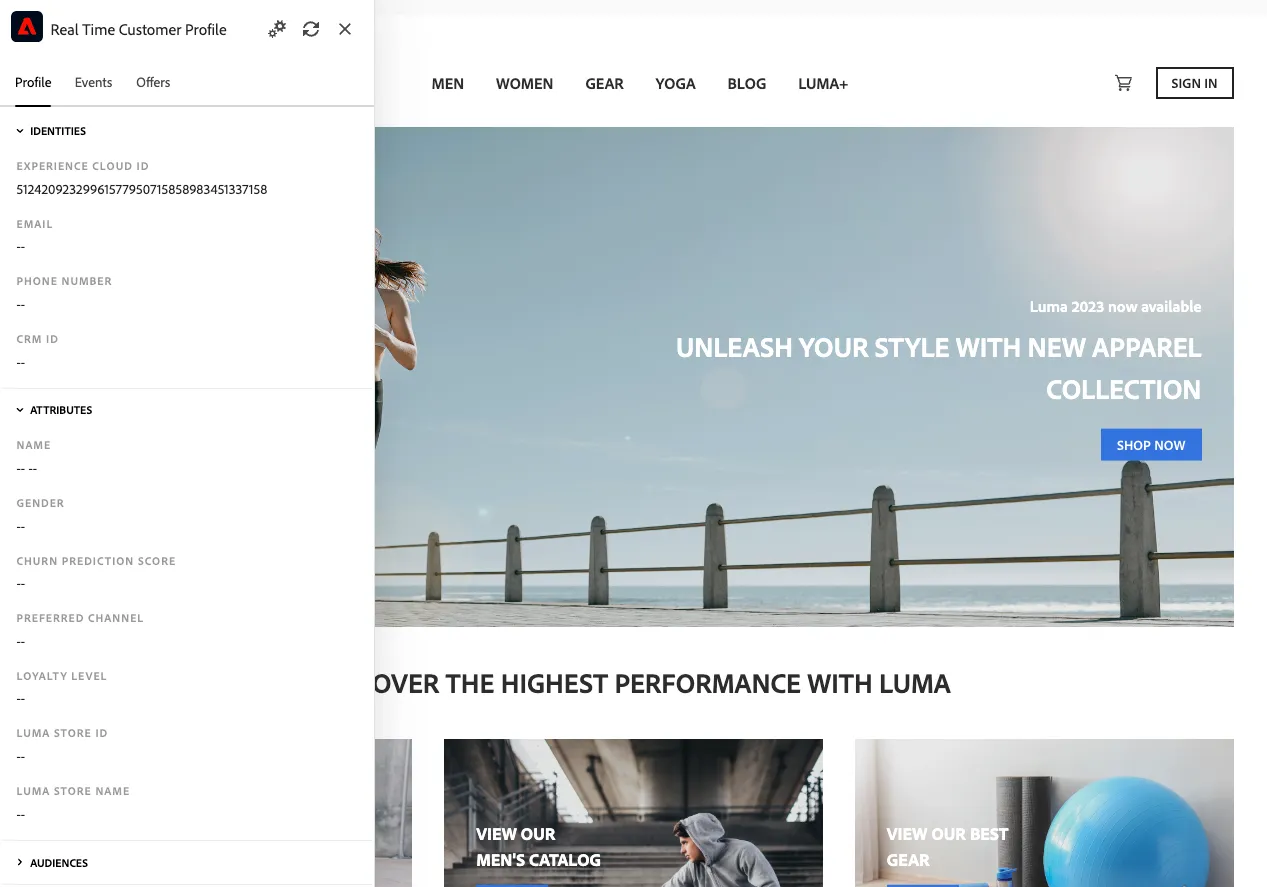
Experience Cloud ID is one of the identities of your profile and you need to reused it in later exercises. Copy and paste the Experience Cloud ID here to store it for future uses:
ECID | {{ECID_INPUT}} |
|---|
If changes to the profile attributes and/or events are not reflecting instantly, try clicking the  icon in the panel or refreshing the page.
If you want to try with a fresh new profile, open the demo website in an incognito window. This will generate a new Experience Cloud ID (ECID) so you can start with an empty (unknown) profile.